Complete Guide: AI Agents Are Replacing Manual Workflows in 2026
Learn how AI agents automate repetitive work without writing code. A step-by-step guide to set up your first workflow in under 10 minutes.

Complete Guide: AI Agents Are Replacing Manual Workflows in 2026
How AI agents automate repetitive work is changing how teams work. Here's your step-by-step guide.
What You'll Learn
By the end, you'll know:
- How AI agents automate repetitive work
- Why this matters for your team
- How to set it up in under 10 minutes
What You Need
- Flowdrop account (free works fine)
- 10 minutes
- The apps you want to connect
Step 1: Start With a Simple Goal
Don't try to automate everything at once. Pick one task that's eating your time.
Examples:
- "Move data from emails to spreadsheet"
- "Post Slack updates when form is filled"
- "Read invoices and pull out amounts"
Step 2: Tell Flowdrop What You Want
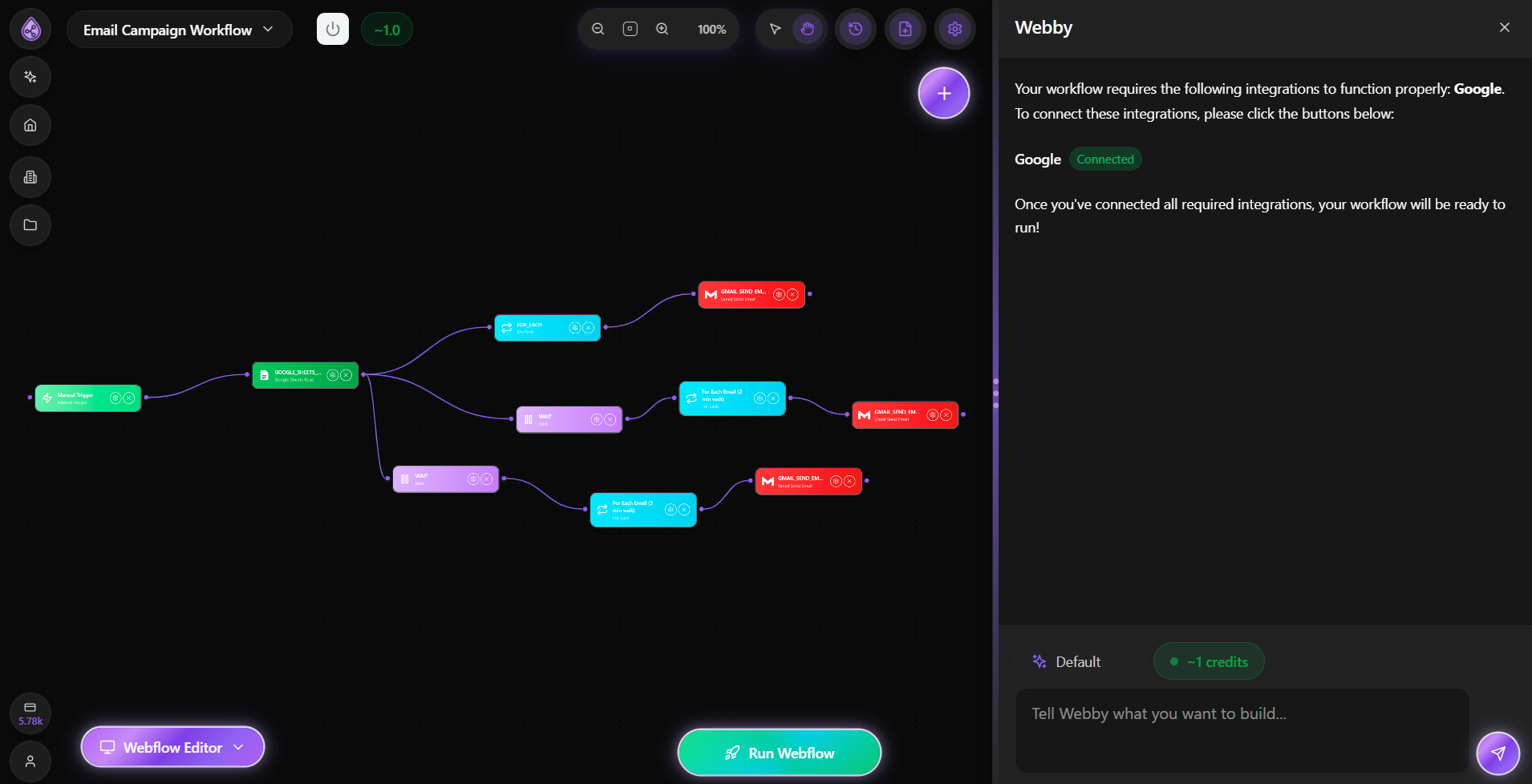
Open Flowdrop and chat like you're texting a coworker.
Just say: "I want to [your goal]"
The agent asks questions to understand what you need. Answer naturally.
Step 3: Connect Your Tools
Flowdrop handles the technical stuff. You just click "Connect" when prompted.
No API keys. No configuration files. Just click and it works.
Step 4: Test It
Before turning it on, do a test run. Make sure it does what you expect.
If something's off, tell the agent. It'll fix it.
Step 5: Turn On Automation
Once you're happy, flip it on. Now it runs by itself.
Check back in a week to make sure it's still working how you want.
Common Mistakes
Too ambitious: Start with one workflow. Add more later.
Too vague: Say "move client emails to Projects folder" not "do something with emails."
Set and forget: Check your automations weekly. Make sure they're still doing what you need.
What to Automate Next
Once you've got one running:
- Invoice processing
- Team notifications
- File organization
- Report generation
- Data syncing between tools
Real Example
One team automated their content pipeline:
- Agent monitors trending topics
- Generates blog drafts 3x daily
- Emails drafts to content team
- Runs automatically forever
Time saved: 15 hours per week.
Try It Yourself
Ready to automate with AI agents?
Start free with Flowdrop and set up your first workflow in 10 minutes.
Questions? Just reply. We read everything.
Frequently Asked Questions
About Flowdrop Team
We build AI workflow automation tools for non-coders. Our mission is to make automation accessible to everyone.